Getting Started — Donor
You want to give. Here is how to make sure it actually arrives.
Start with the setup step below. Then choose the flow that matches how you want to give.
Setup
1
Complete your profile
Your donor profile tells nonprofits who you are and builds trust before they engage with your donations.
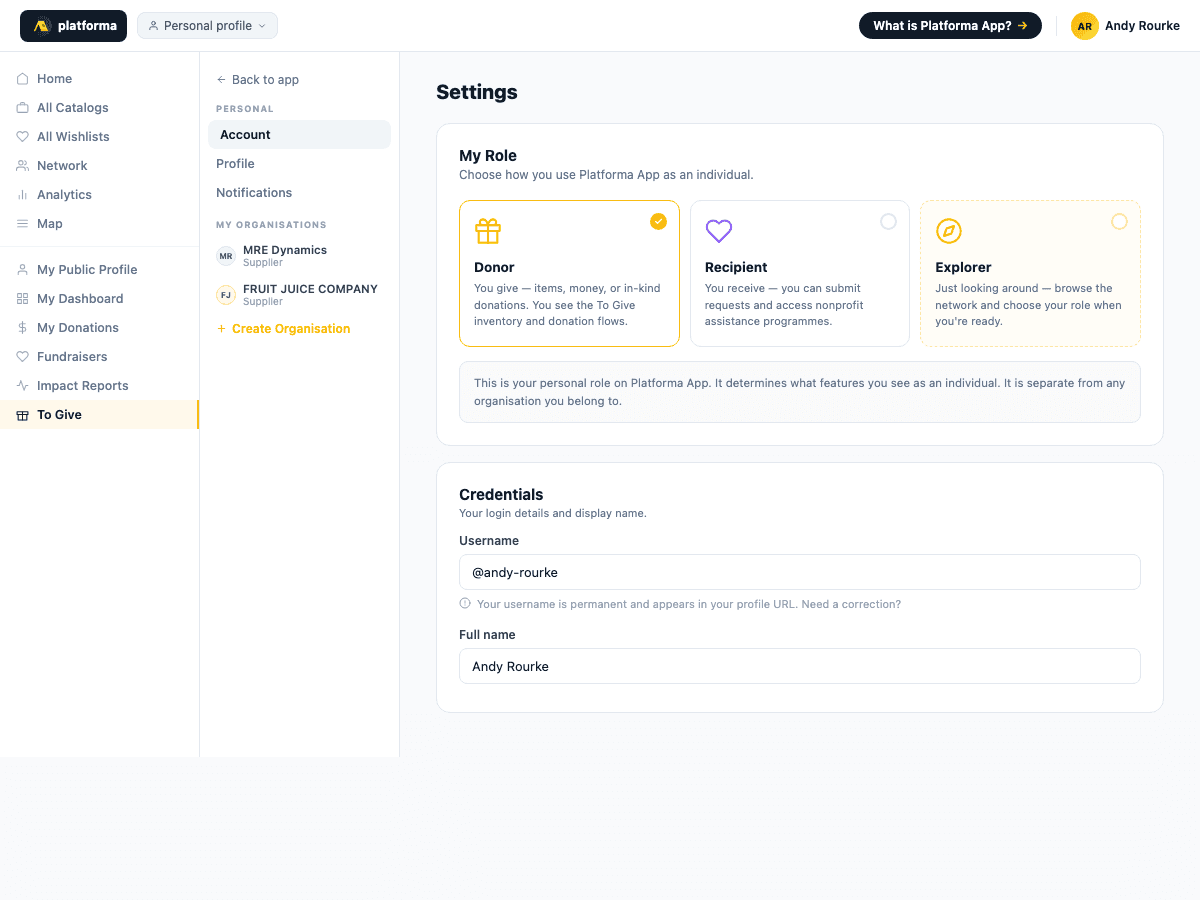
- Go to Settings → Profile
- Add your name, location, and a short bio
- Add a profile photo
- Set visibility to Public
- Save
Flows
A1
List what you have
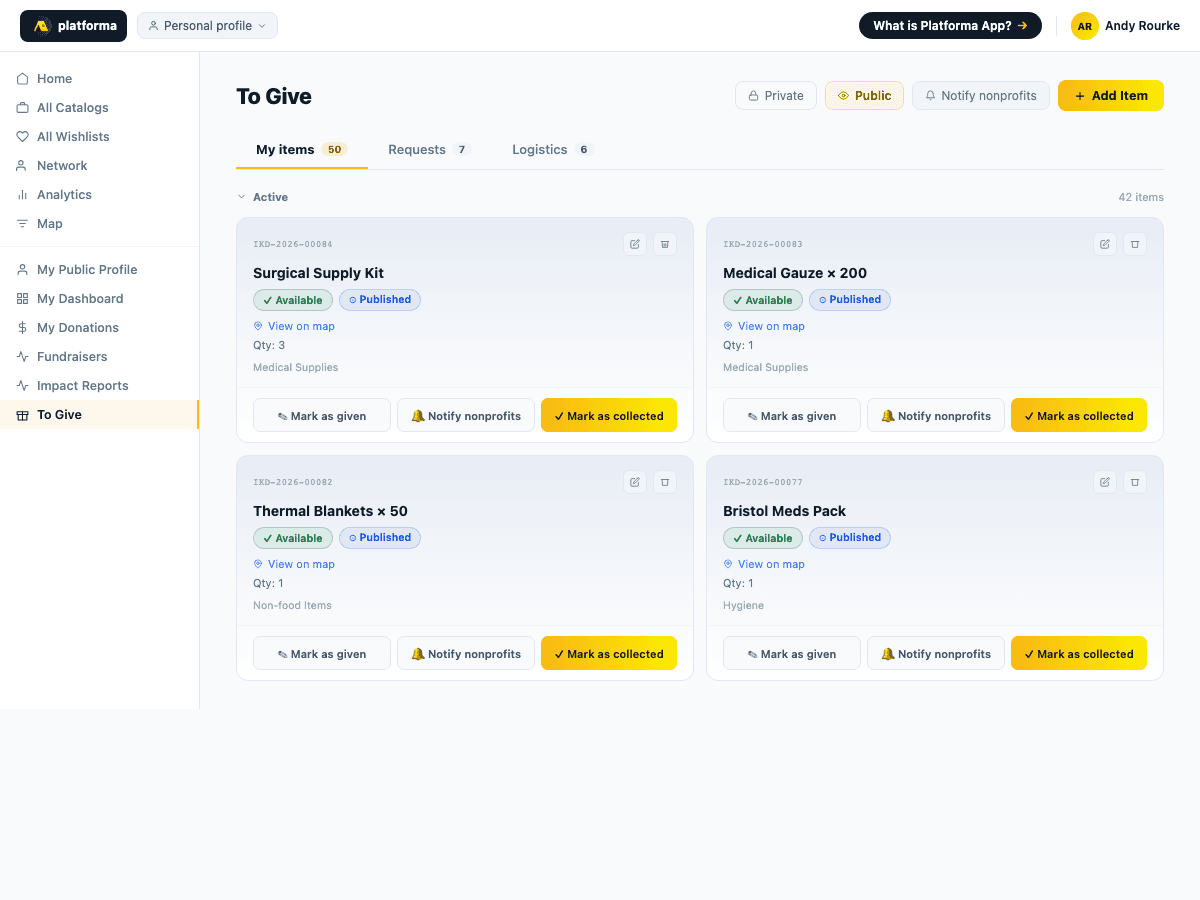
The To Give catalogue is where donors list items they want to donate. Nonprofits browse it and request what they need.
- Go to To Give
- Click Add item
- Add: item name, category, quantity, condition (new / used / refurbished), photo (strongly recommended), location
- Set visibility to Published
- Your item is immediately visible to all nonprofits on the network
A2
A nonprofit requests your item
When a nonprofit requests one of your listed items, you receive a notification.
- Go to To Give → your item → view incoming requests
- Review who is requesting and confirm or decline
- Arrange collection or delivery directly with the nonprofit — use the contact details on their profile
- Once the nonprofit confirms receipt, your item is automatically marked as donated on the platform
A3
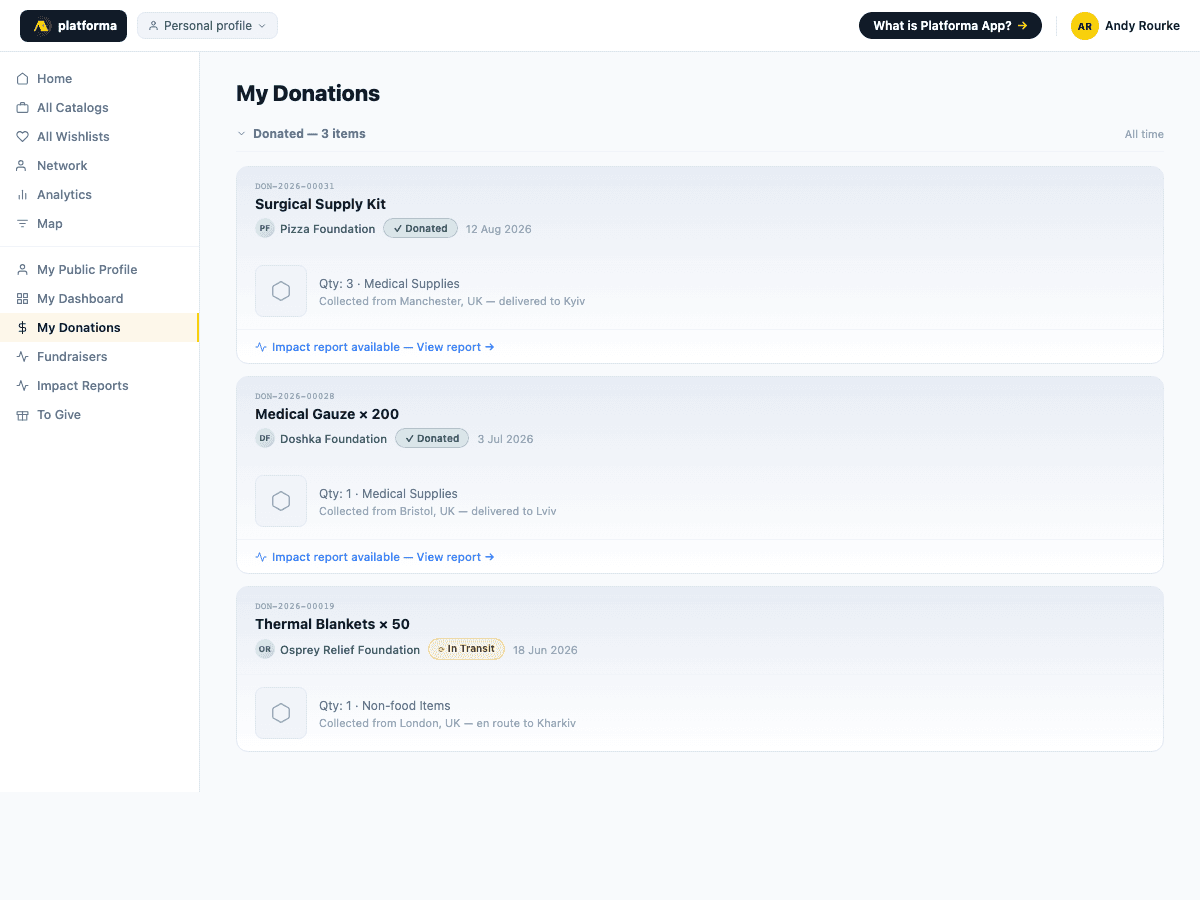
Track where your donation goes
Once the nonprofit confirms receipt, your donation is logged in the platform's chain of custody. If the nonprofit subsequently delivers the items to a recipient and publishes an impact report, you can see the full journey.
- Go to My Donations
- Each donation shows its current status and the nonprofit that received it
- If an impact report has been published: click to see photos, quantities, and delivery confirmation